 ObjectExplorer
 Search across a bucket?
Type, search, every match.
The folder had forty files whose names differed only by a date. I knew one word that was inside the right one. I typed that word into the console's search box and it found nothing. I typed it into the other cloud's console and it found nothing there either.
Today
The search box in the console matches the beginning of a name, in the folder I am standing in. It does not look in subfolders, and it never looks inside a file. That is not a bug. It is how the listing works underneath: every one of these clouds lists objects by prefix, a page at a time, and the search box is that prefix with a text field on it.
So I went to the terminal, listed the whole bucket, and grepped the names. That told me which files might be relevant, but the word I remembered was inside a file, not in its name. Then I did the same on the second cloud, because the files I cared about were split between the two.
- Cloud consoleprefix search, nothing
- Cloud consoleopen each folder
- Terminallist whole bucket
- Terminalgrep the names
- Second cloud CLIdo it again
Nobody did anything wrong. The console showed me what a prefix listing can show. The command line listed what I asked it to list. The shared assumption was that searching a bucket means searching the names in it, one cloud at a time.
Ideal
What I wanted is what my laptop has done for as long as I can remember: type a word, get every file with that word in it, names and contents, from everywhere I keep files, in one list.
As far as I can tell, nothing about a bucket makes that harder in principle. Contents are just bytes, and bytes can be read. The difference is that my laptop keeps the bytes next to the search, and a bucket keeps them across a network. So the search has to read what is already near it first, and go and fetch the rest only when I ask.
There is a second part people forget. Many files in a data bucket are binary: parquet, Avro, ORC, Arrow, HDF5, netCDF. Grep sees nothing useful in them. But each of those formats writes its column names and metadata in a structured part of the file. Turn that part into text and it becomes searchable like anything else.
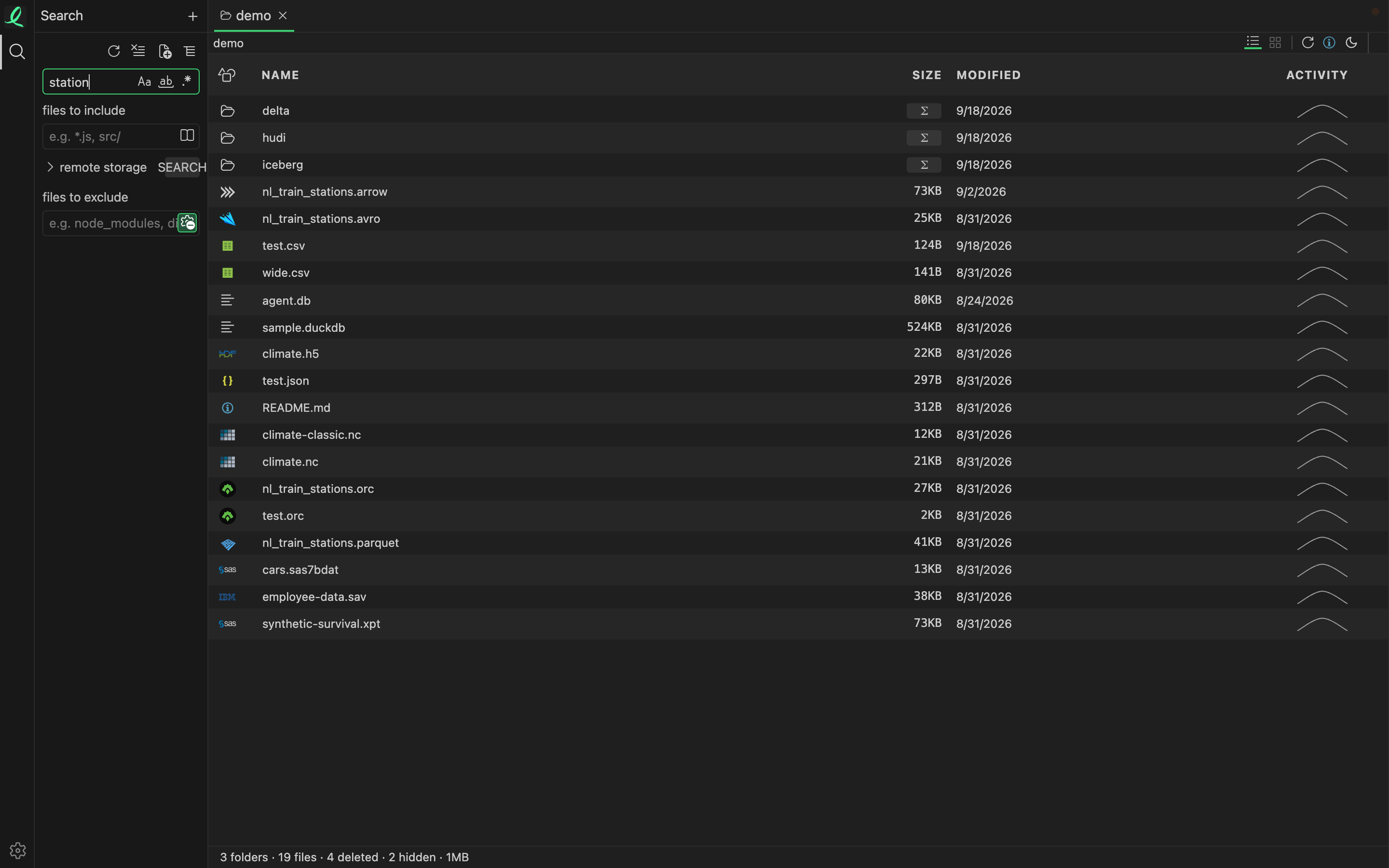
That is one search box across every place I have connected. The word "station" was found in a README, in a Python script, in a JSON file, and in the metadata of an HDF5 file, which a text search would have skipped. The search walks each place in turn and reads every file line by line, shows the top three matches per file, and stops after a thousand matching files so a vague word cannot run forever.
Where it stops
The instant search reads what is already on this machine: local folders, and cloud objects that have been opened or cached before. For the rest there is a separate, deliberate button that scans a remote bucket in full. It downloads every object up to 5 MB so it can be searched, and lists anything larger for me to search one by one, which downloads that one file. On a large bucket that scan is slow and costs egress. I don't think that can be avoided without an index built inside the cloud itself.
So the promise is honest only halfway. One box, every place, names and contents, yes. Without reading the bytes, no.
Type, search, every match.