 ObjectExplorer
 This Shouldn't Be That Hardto work with cloud storage.
One app, explorer, analyze, plot over S3, GCS, Azure Blob ...
Agent is just another user, full control with audit
It opens right here.Nothing leaves your browser.
A desktop app: a tree, a grid and a notebook side by side. Send the link to the computer you work on.
The 40-second tour. Click it to play.
This Shouldn't Be That Hard
ONE at a time
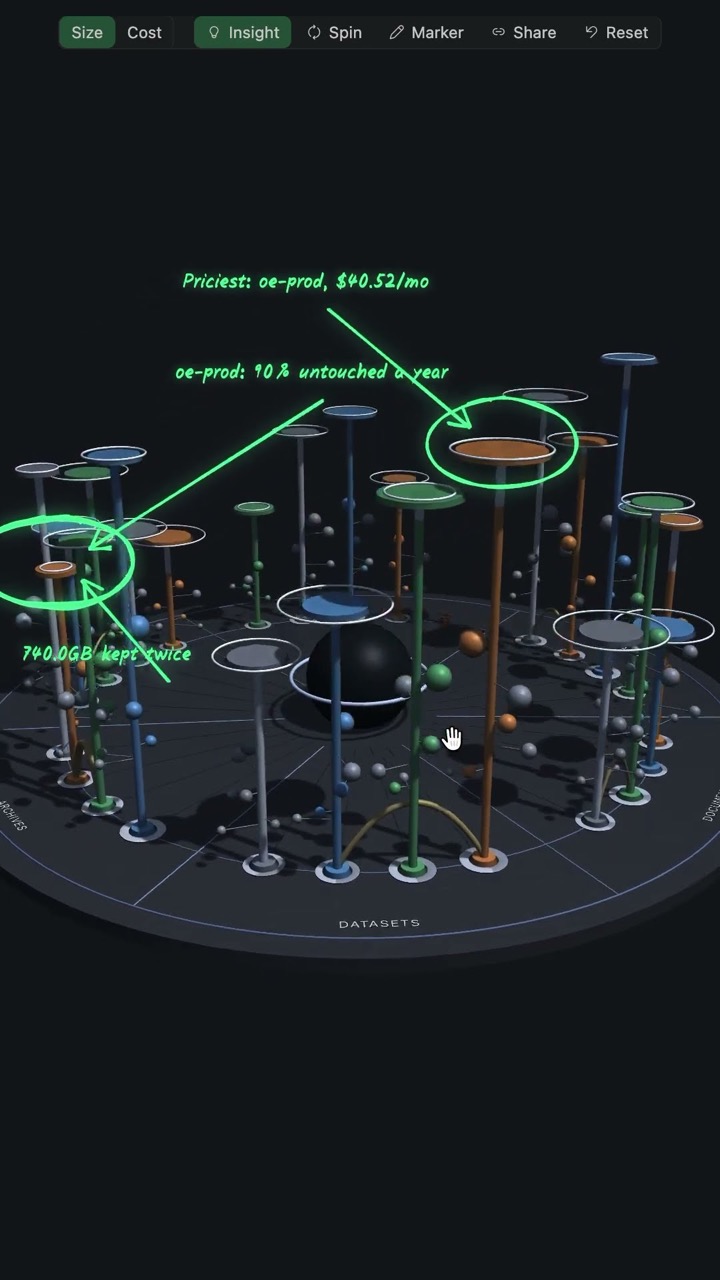

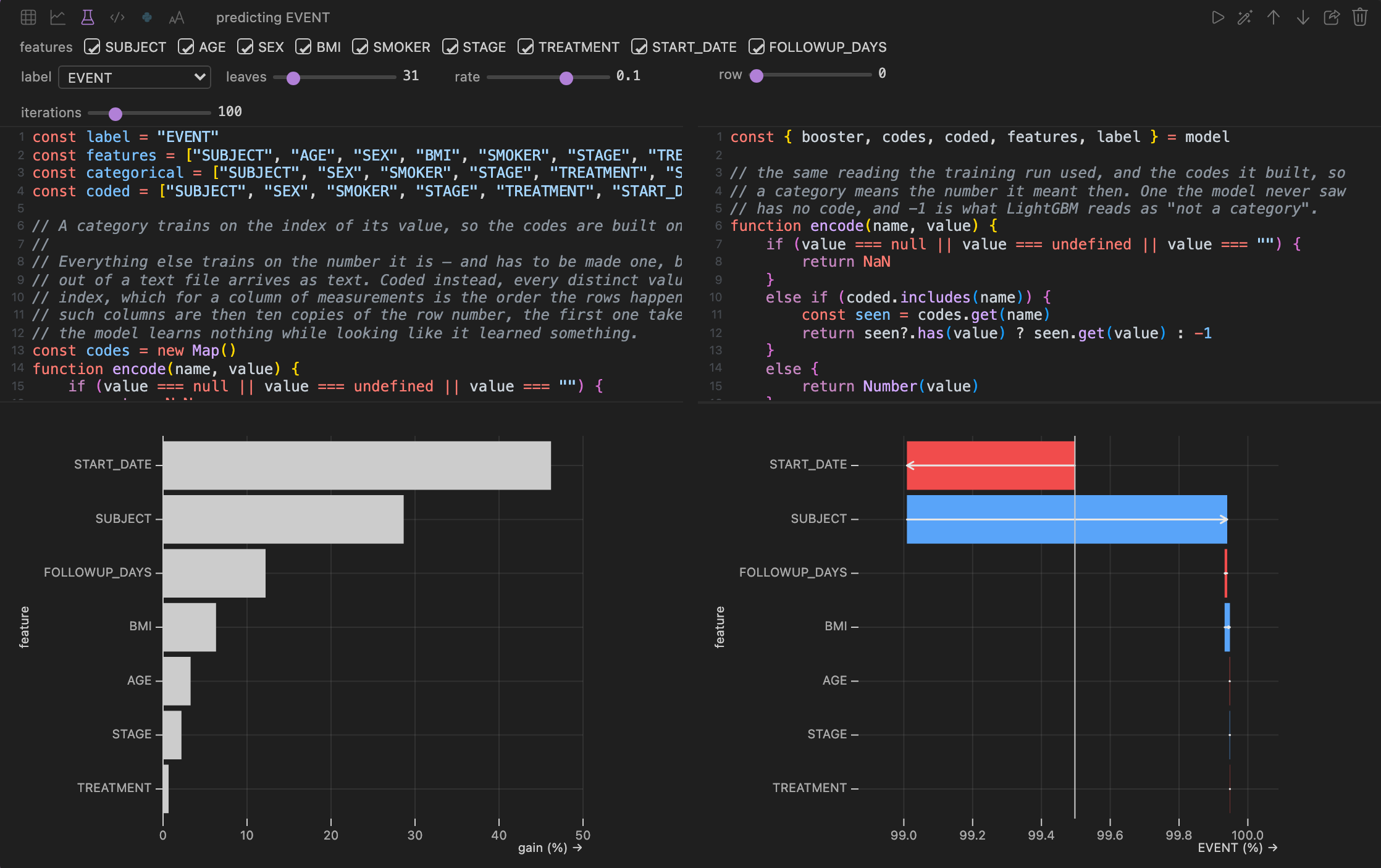
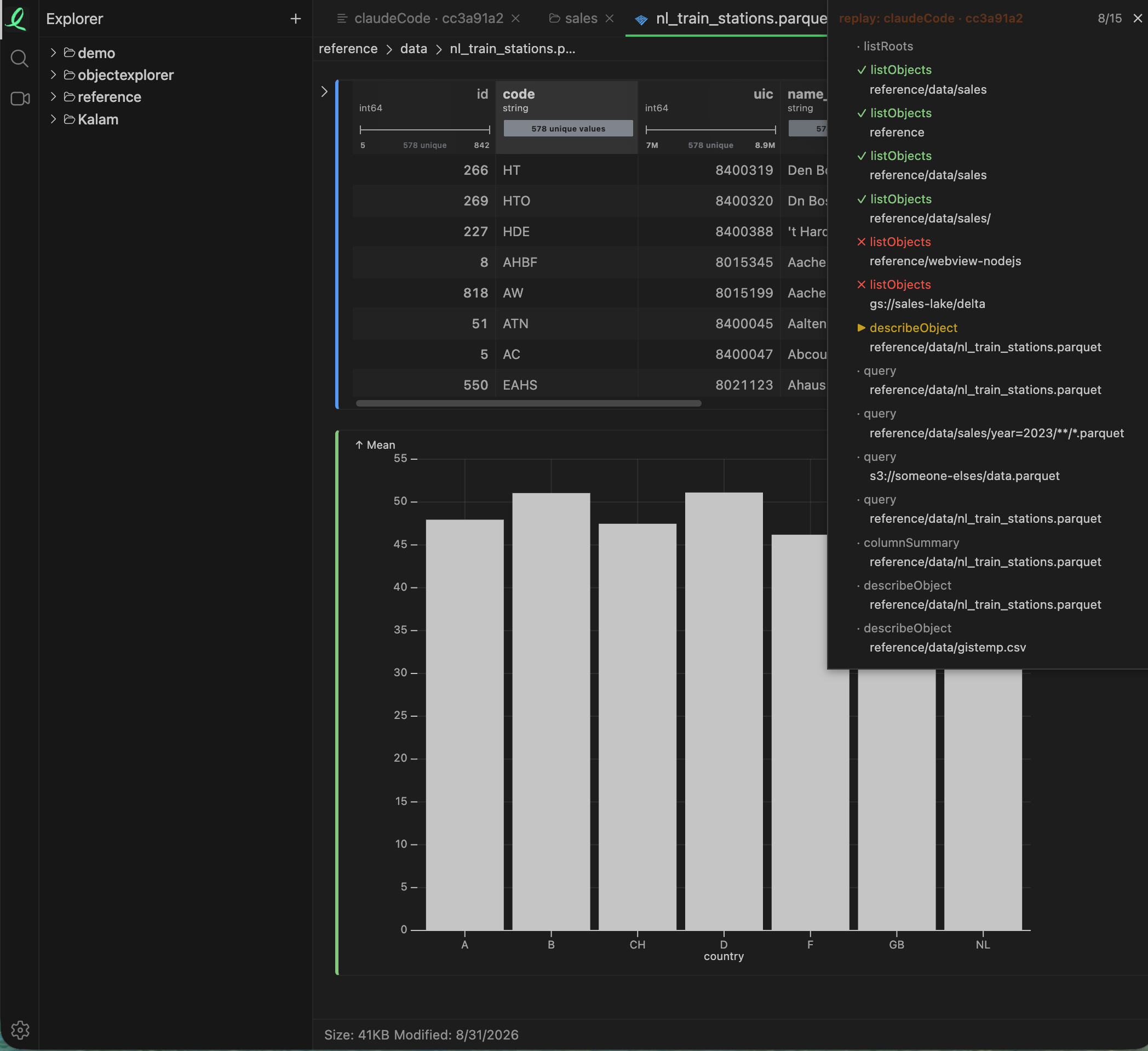
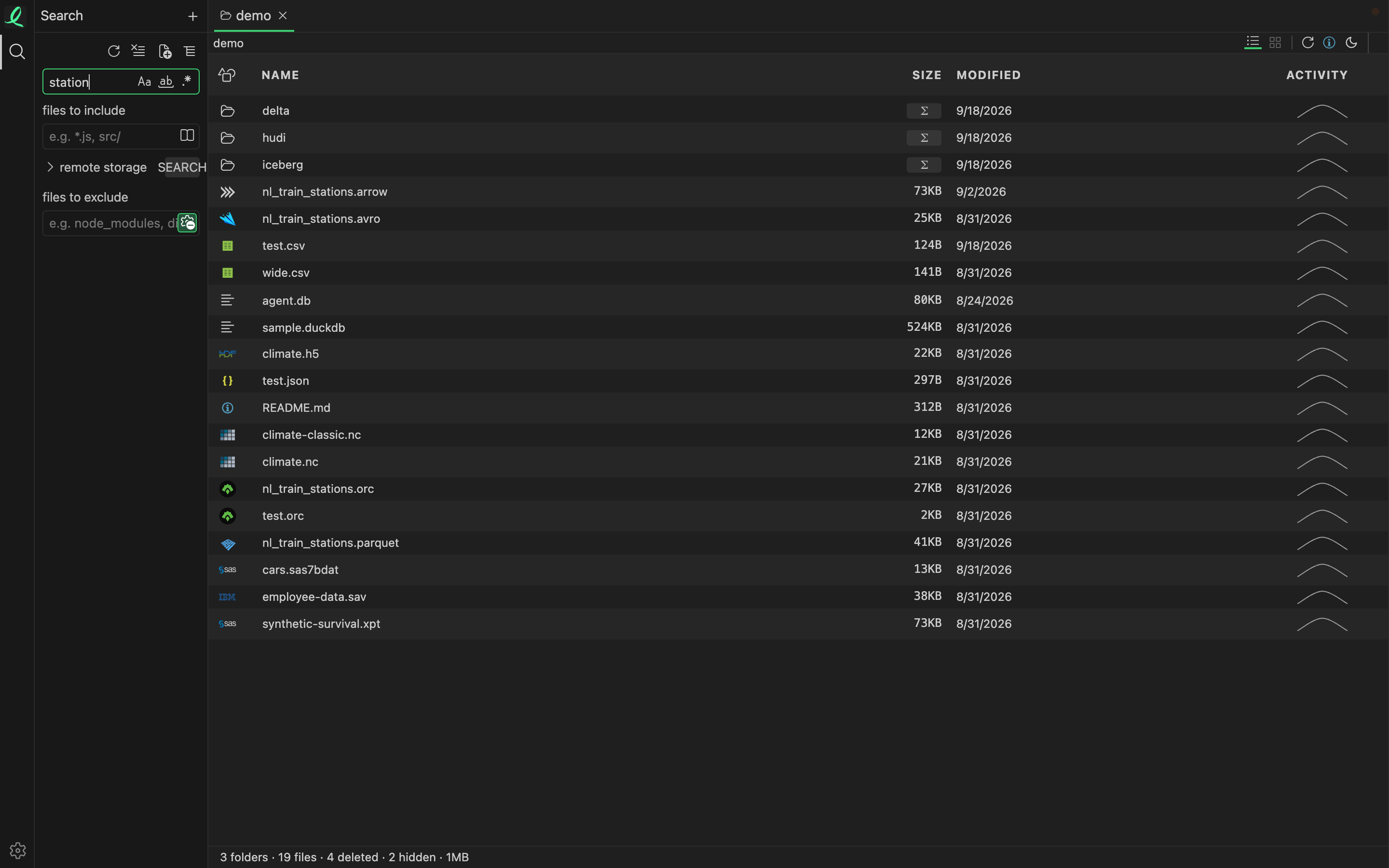
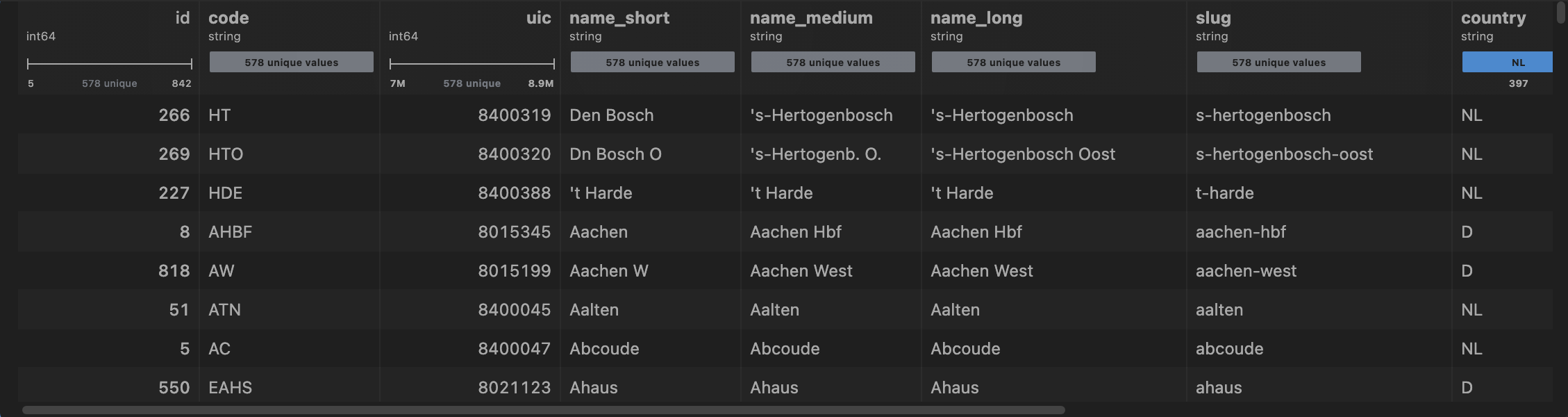
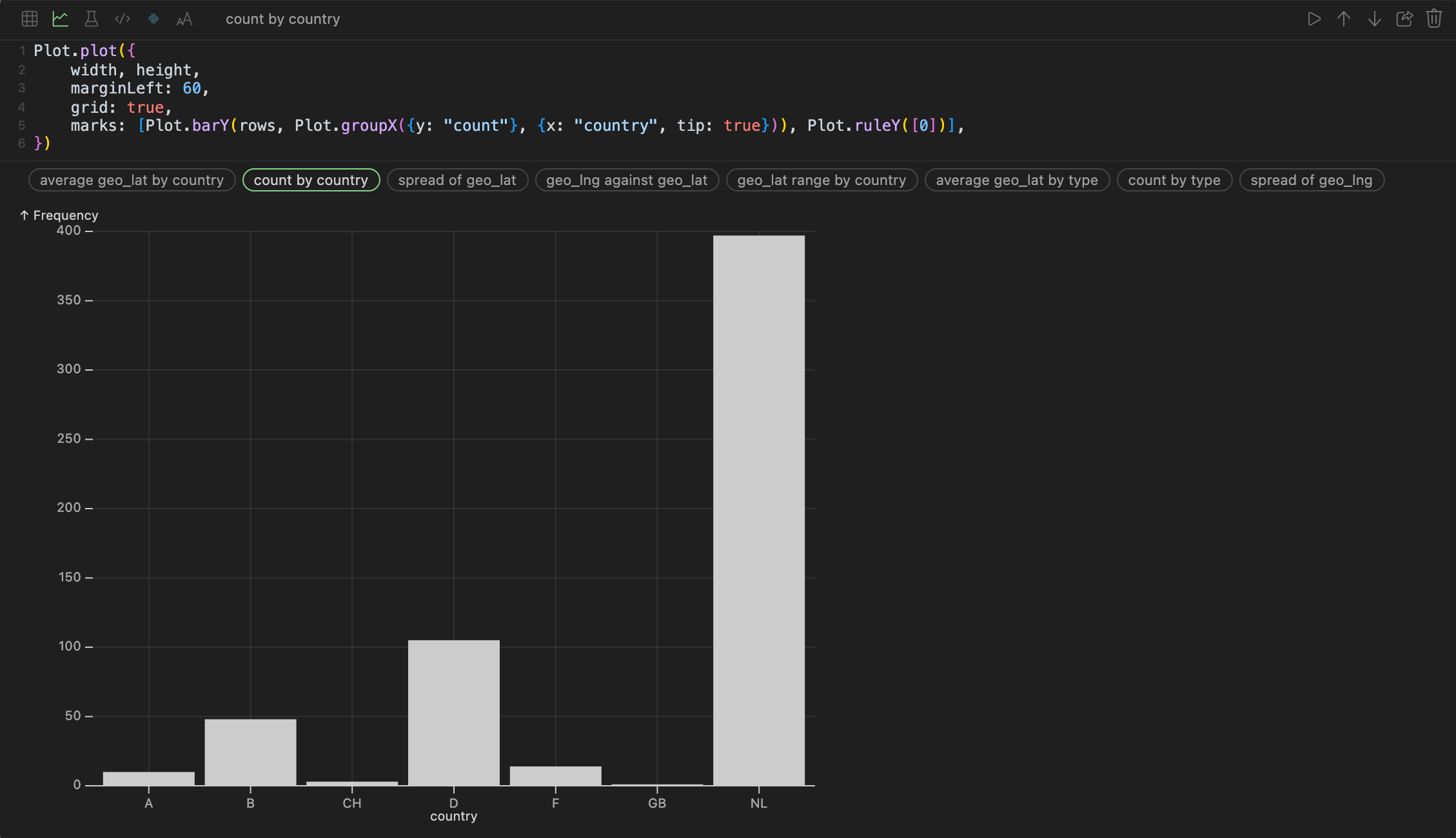
Open it once and see your own storage in it.
The desktop app runs on your machine. Credentials stay in ~/.objectexplorer and your platform's own keychain, and there is no backend that sees your objects, because there is none.
macOSYour system
Signed and notarized. Open the .dmg and drag ObjectExplorer to Applications; the .tar.gz is the command line alone.
WindowsYour system
- x64 / AMD64.msix.zip (portable)
- ARM64.msix.zip (portable)
Signed. Open the .msix and Windows installs it, with its Start menu entry; the portable .zip runs where it is unpacked.
Install it on the computer you work on
ObjectExplorer is a desktop app for macOS, Windows and Linux. Send yourself the link and open it there.
Run in Command Line
Use in your browser
npx @knockdata/objectexplorerInstall with Homebrew
macOS and Linux: the command line, then the desktop app
brew install knockdata/tap/objectexplorerbrew install --cask knockdata/tap/objectexplorer-app