 ObjectExplorer
 CAD
step stp sldprt sldasm slddrw catpart dwg
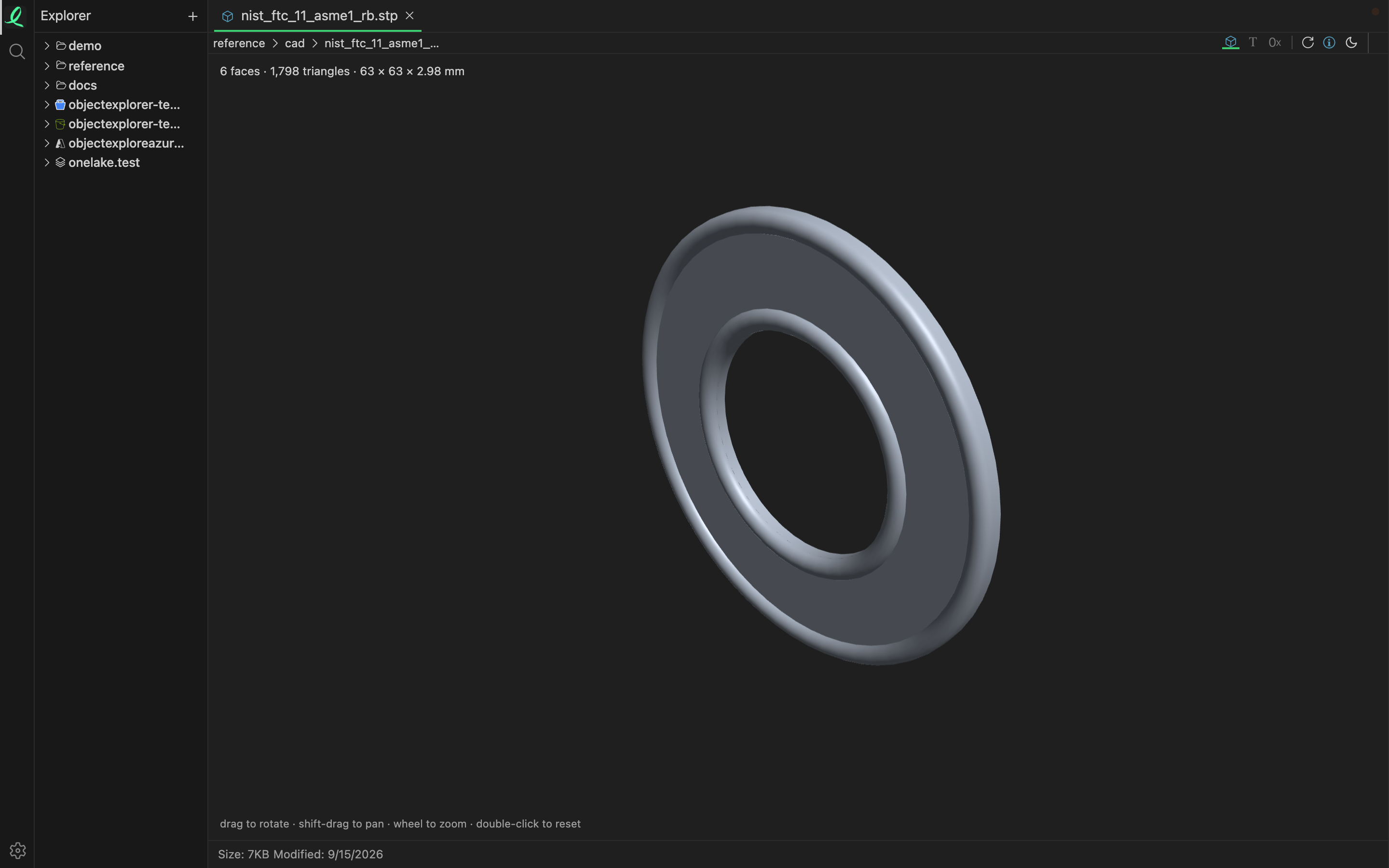
A CAD part opens as the part, not as the text or the zip it is stored in. No CAD program is needed, and nothing is converted first: the reader runs in a worker on your machine, like every other one.
Parts
| Format | What is drawn |
|---|---|
STEP step stp | the solid, tessellated from its B-rep surfaces |
SolidWorks sldprt | the display mesh SolidWorks cached inside the file, 2015 and later |
CATIA V5 catpart | the display mesh CATIA cached inside the file |
The line above the view says what you are looking at: how many faces, how many triangles, and how big the part is — in millimetres, or in metres once it is two metres or more.
Which way is up comes from the file. A STEP file written by CATIA, NX, Solid Edge, FreeCAD or Rhino is Z-up, and so is a CATIA part; the rest are Y-up.
A STEP file with nothing the reader can tessellate opens as its text instead, so you still see what is in it.
Moving around
Drag to rotate, hold Shift to pan, use the wheel to zoom on the pointer, and double-click to start over. The number keys look from the front, the side and the top. Every control is on moving around a view.
It needs WebGPU
The part is drawn with WebGPU. The desktop app has it. In a browser it needs Chrome or Edge 113 or later, Safari 26 or later, or Firefox 141 or later on Windows, and the page has to be https or localhost. When WebGPU is not there the view says which of those is missing, rather than showing an empty pane.
Drawings
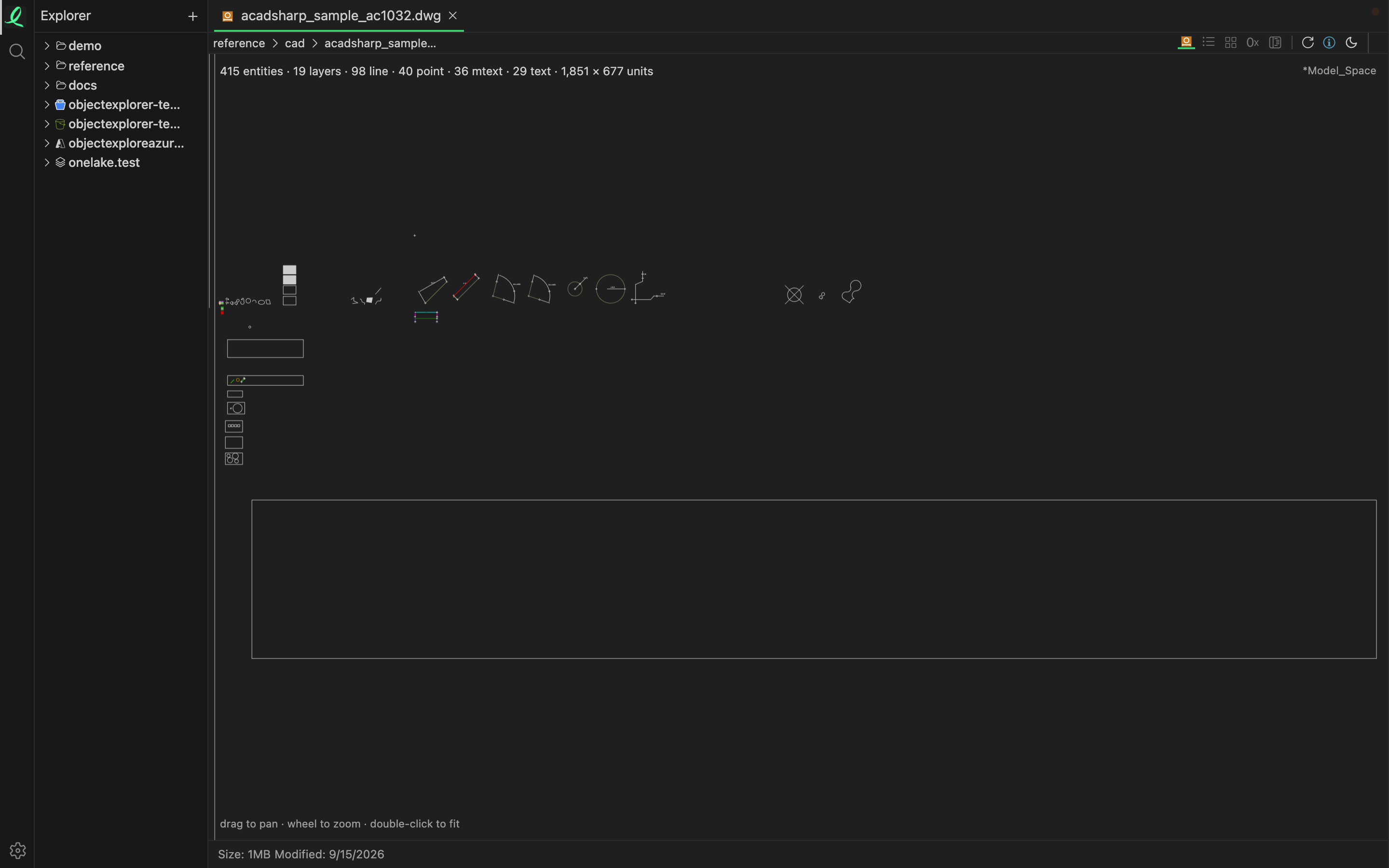
A DWG opens as the drawing: its lines, arcs, circles, polylines, splines, hatches, text and dimensions, flat, on one sheet, with blocks placed where they are inserted. Drag to pan, use the wheel to zoom on the pointer, and double-click to fit the whole sheet again. The line above it counts the entities and the layers, names the four commonest kinds of entity, and gives the drawing's span in its own units.
The DWG versions R2004, R2010, R2013 and R2018 are read — what most drawings are saved as today. An R2007 file, or one from R2000 and before, says so rather than drawing half of it.
A drawing is flat, so it needs no WebGPU.
Inside the file
A SolidWorks file is a zip in disguise, a CATIA part is a container of streams, and a DWG is a set of sections. Each can be browsed as a folder: step into it from the list and every stream is an entry you can open one at a time, in hex if nothing else reads it.
That is also what a SolidWorks assembly (sldasm) or drawing (slddrw) shows. They hold no display mesh of their own, so they open as the streams they are made of.
Structure mode on a DWG shows the byte layout of its sections.
Next: 3D models.