 ObjectExplorer
 Textures
dds ktx2 hdr pic exr
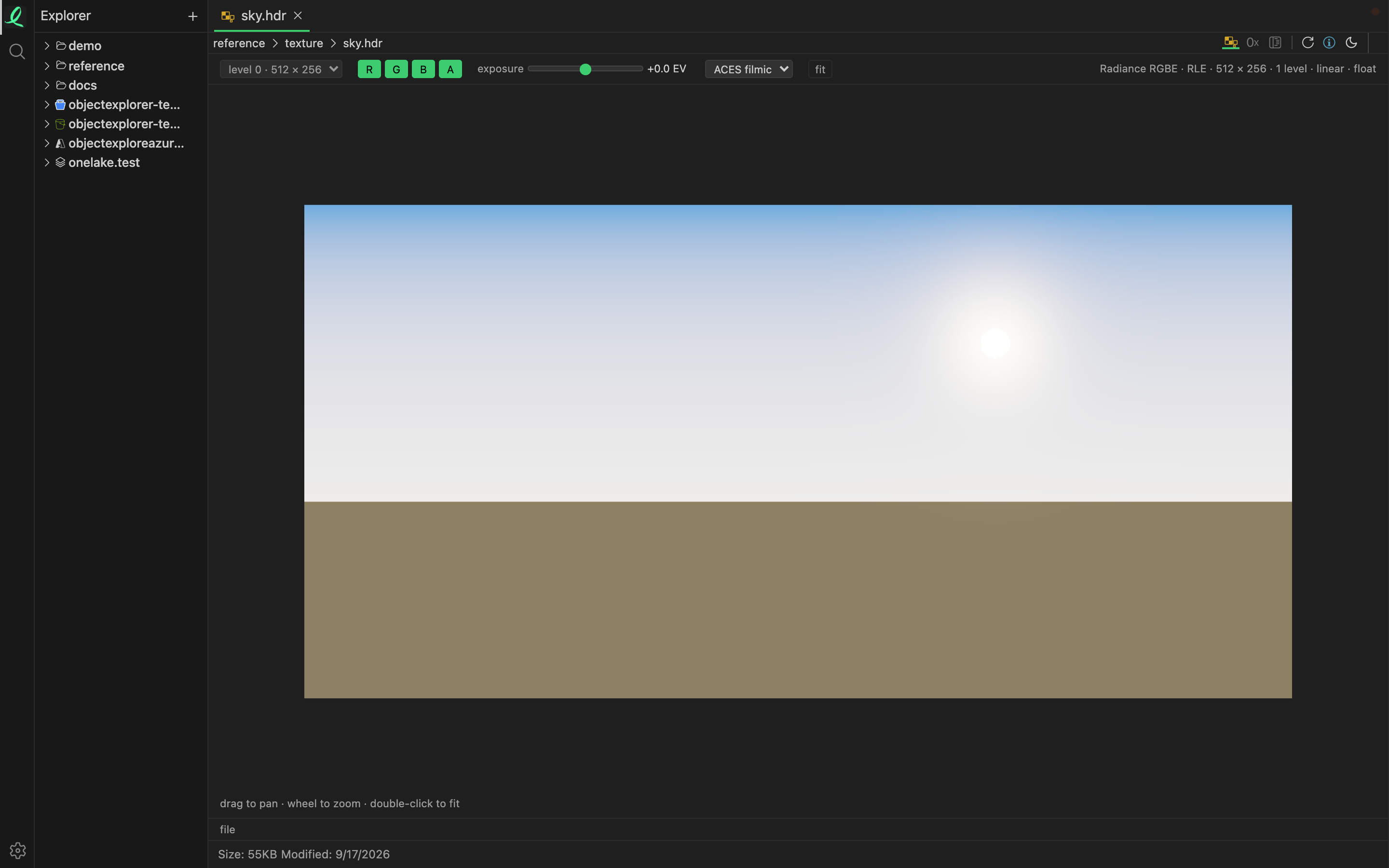
A GPU or HDR texture opens as the picture it holds — the compressed blocks of a DDS decoded, the floats of an EXR tone-mapped to the screen. No image editor and no engine: which reader a file needs is decided by its first bytes, not its name.
The toolbar
| Control | What it does |
|---|---|
| mip level | step down the chain of smaller copies the file carries |
| R G B A | turn channels on and off; one channel alone shows as grey |
| exposure | for a float picture: brighter or darker, from −10 to +10 stops |
| tone mapping | for a float picture: clamp, Reinhard, or ACES filmic, the default |
| lit | for a normal map: light it from a lamp that follows the pointer |
| file | everything the file says about itself |
Under the pointer, the texel's own values are read out — floats as floats, not rounded to what the screen shows.
Anything the view does not draw is said in the line under the toolbar: a pixel format this build does not decode, or the other five faces of a cube map.
A KTX 1 file (ktx) is recognised and refused, with the reason on screen — only KTX 2 is read. Its bytes are still a click away in hex, and structure mode lays out how every texture file is put together.
Moving around
A texture is flat: drag to pan, use the wheel to zoom on the pointer, double-click to fit it again. See moving around a view.
Next: shaders.