 ObjectExplorer
 Charts
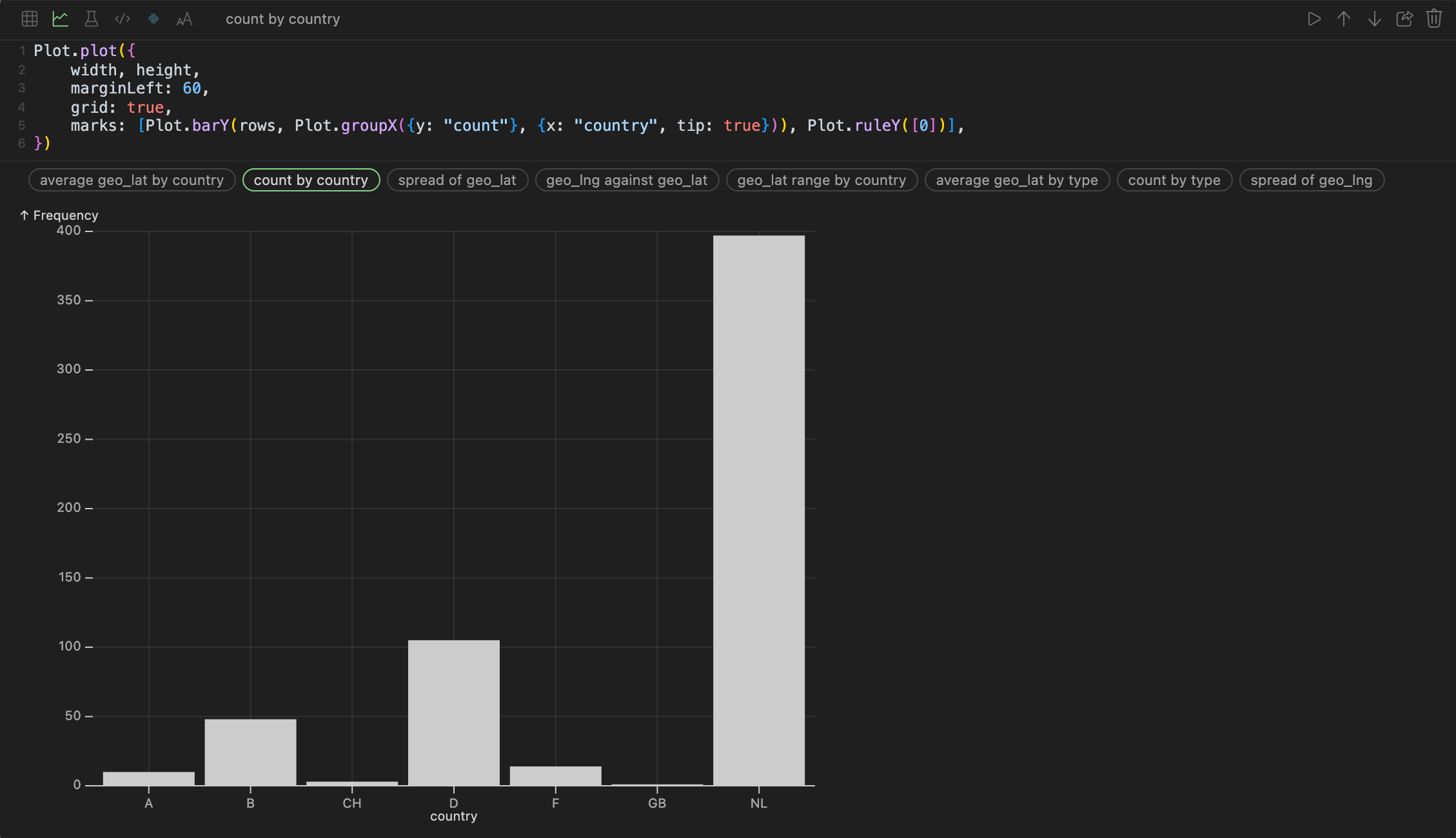
A chart cell writes its own first draft. The column statistics say which column is a date, which is a category, which is a measure and which is an id that counts up once per row — and the strip under the code offers the charts those columns actually support, named in plain words.
Click one and its source is written into the editor and drawn. After that it is source, and it is yours: change it and run the cell, and it draws what the source says.
Plot.plot({
	width, height,
	marginLeft: 60,
	grid: true,
	marks: [Plot.barY(rows, {x: "country", y: "count", tip: true})]
})
rows is what the cell above produced. The source is written the way Observable Plot writes it, and the app draws the part of Plot that charts of a table need: bars (barY, barX, grouped with groupX by count, mean or sum, sorted by height), histograms (rectY over binX), lines over a date, dots, box plots, rules and arrows. The last line must be the Plot.plot(…).
Suggestions are named after your columns, not after chart types — count by country, average geo_lat by type, spread of geo_lng, geo_lat over date — because the question is what you have, not which mark implements it.
Next: models.