 ObjectExplorer
 Documents and presentations
pdf docx dotx doc odt pptx potx ppsx ppt pot pps key xlsx xlsm xltxenex, and rtf as text
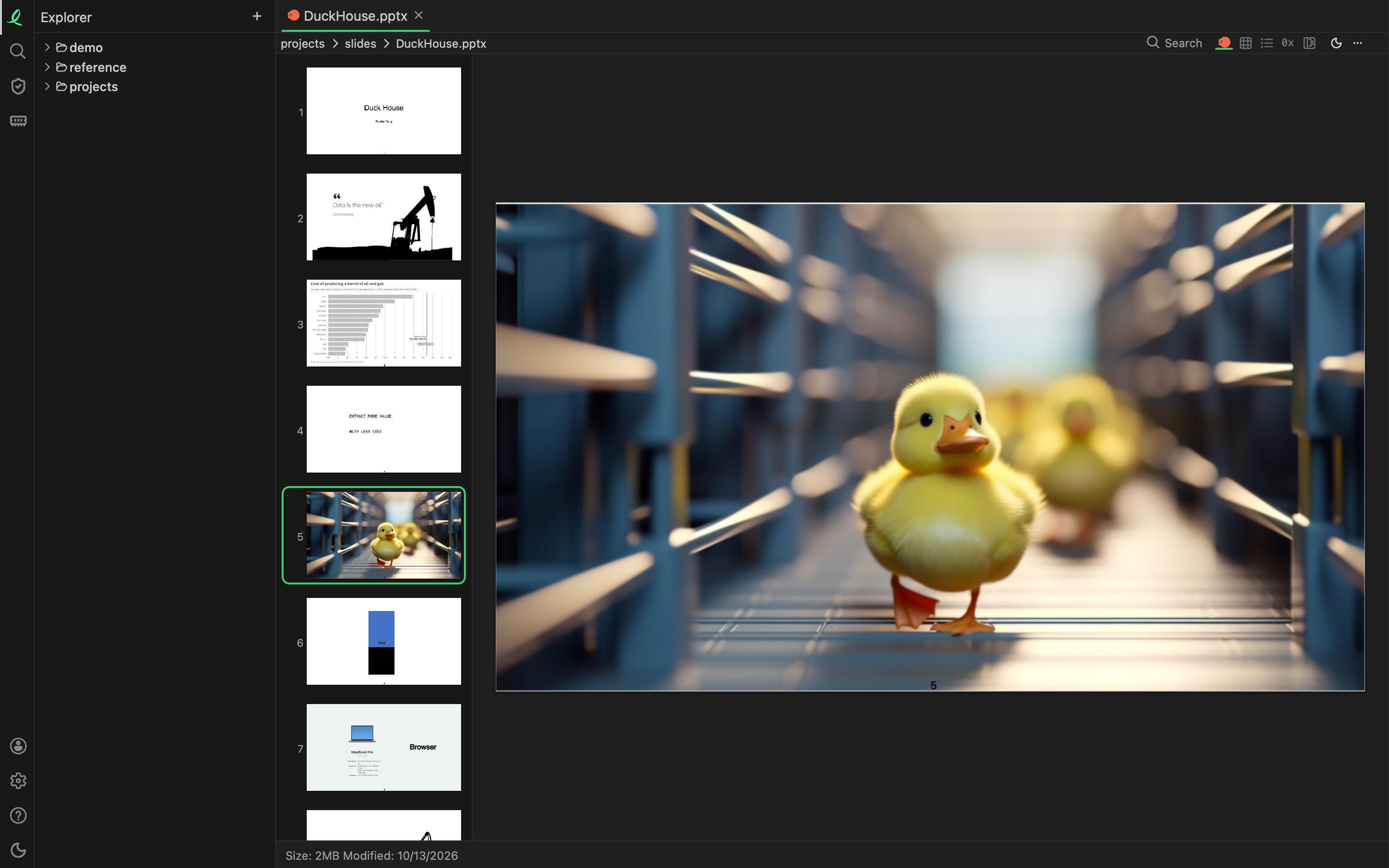
A PDF opens in the PDF reader, with selectable text, find and notes. A Word file renders as its text with its structure, one column of prose — the old binary .doc and an OpenDocument .odt too: headings, lists, tables, links, pictures in an .odt, and the bold, italic, underline, colour and size of the words. A presentation is painted slide by slide — including the old binary .ppt and Keynote's .key — with a strip of thumbnails beside the slide on show; the arrow keys, PageUp and PageDown move between them.
A workbook opens a sheet at a time, with a tab for each sheet under it. A large sheet is read a page of rows at a time rather than all at once.
The older word processors' files — .doc, .odt and .rtf — are also read for their words, so search finds what is in them. An .rtf opens as its text.
Because the office formats are zips, the same objects can also be browsed as folders: open the .pptx as an archive and the slide XML, the media and the theme are entries you can open one at a time.
Evernote
An Evernote export (.enex) opens as a book of its notes, one note a page, with their pictures in place. A single note saved as .html opens the same way.
Next: Power BI.