 ObjectExplorer
 Search
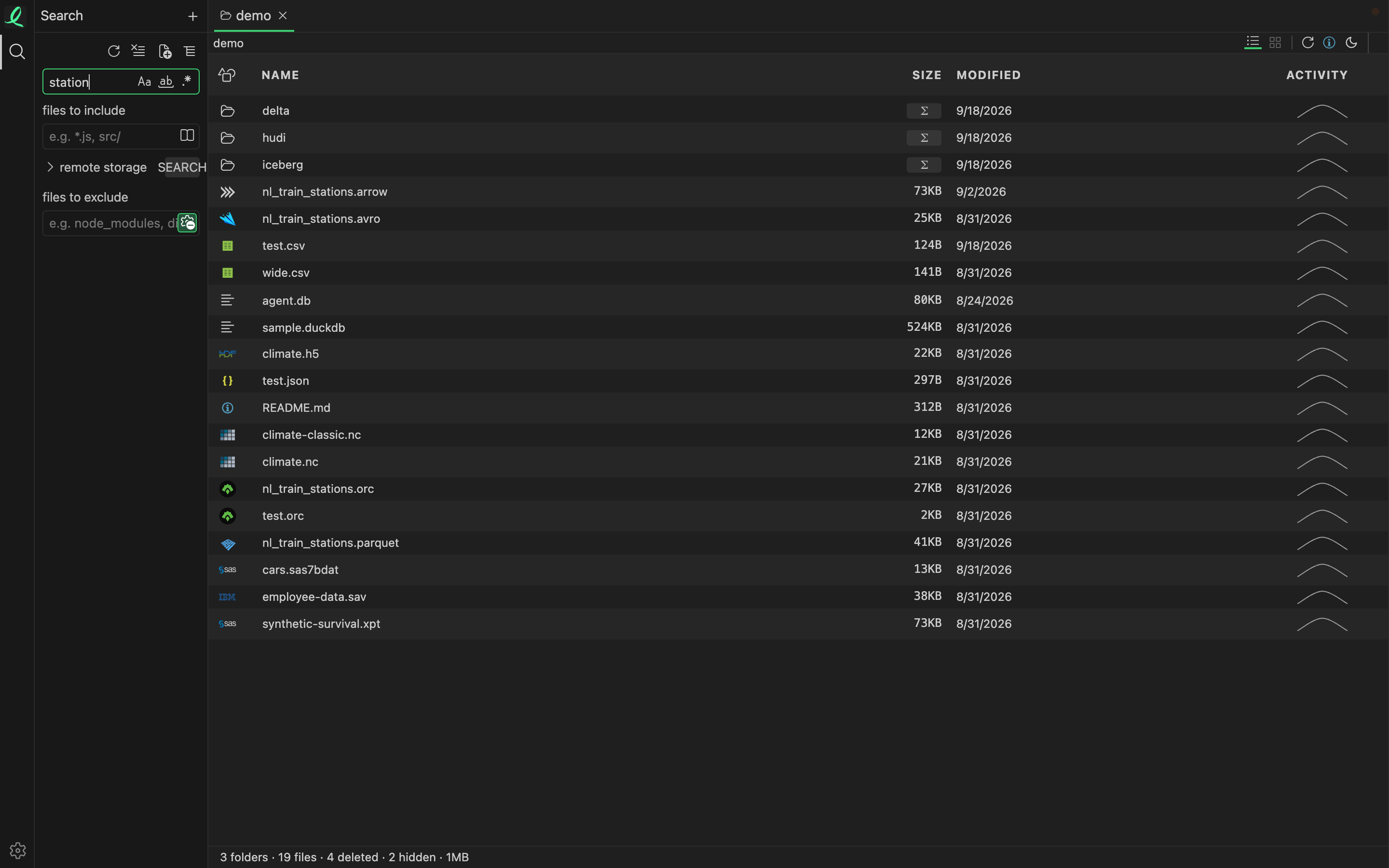
Search local folders and cloud buckets in the same run: literal, whole word or regex, with include and exclude globs, and .gitignore honoured when you point it at a repo.
It searches inside what the files hold, not only their names: a word on slide 3 of a deck inside a zip is found, and the result says "slide 3".
The index
Opening the search panel brings an index of every root in the tree up to date; the count line says how far it has got. A file is read again only when it changed, and a folder on this disk is followed from then on, so its index keeps itself current. A query then answers as it is typed.
The controls
- Match case, whole word, regular expression — the three toggles in the field.
- files to include / files to exclude — globs, comma separated, like
*.json, src/. - Search only in open objects — the book icon in the include field.
- Use ignore files — the icon in the exclude field. On,
node_modules,build,.git,.venvand what.gitignorefiles name are left out. - remote storage — lists the buckets in the tree. Search beside it is the full scan: it indexes them again, copying into the cache what it has not read yet.
The results
Results group by file, with the place — a line, a slide, a page — and the hit marked; clicking one opens the object at that place. The toolbar switches between the grouped tree and a flat list, and opens the same search as an editor over the window.
Next: hex.