 ObjectExplorer
 SQL
The engine is ObjectExplorer's own, built into the app, reading the file with the same readers the explorer opens it with.
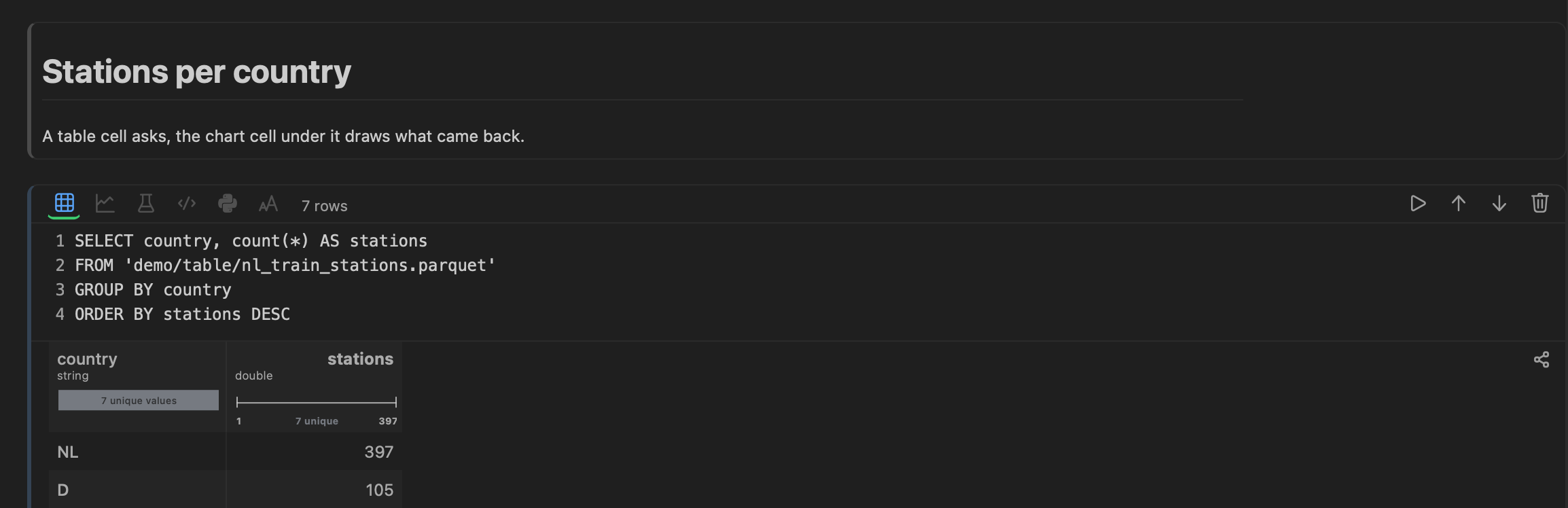
SELECT region, count(*), sum(amount)
FROM 'sales-eu/orders/2026-08-24.parquet'
GROUP BY region
ORDER BY 2 DESC
A quoted path names the data, starting with the name of a folder or bucket in your tree. It can be:
- a file in a local folder, or an object in a bucket you added;
- a bucket's own path —
's3://sales-eu/orders/2026-08-24.parquet','gs://…','az://…'; - a file inside an archive —
'demo/archive/sample.zip/sample/test.csv'; - a table of an SQLite or DuckDB file —
'demo/stations.duckdb/main/stations'; - a sheet of a workbook, by its name after the workbook's path;
- a folder that is a Delta, Iceberg or Hudi table;
- a Hive-partitioned folder (
year=2024/month=1/…), read as one table with the partition columns.
Nothing is uploaded
A local file is read where it is. An object in a bucket is copied once into the cache, through the same signed requests the explorer uses, and read from there until it changes. A lake table in a bucket is copied the same way, file for file, beside the cache. There is no upload anywhere and no scratch folder to clean up.
What is queryable
parquet csv tsv psv json jsonl ndjson xlsx avro orc, Arrow and Feather, HDF5, NetCDF, SPSS .sav and SAS .sas7bdat .xpt, and the tables of SQLite and DuckDB files.
Running
Shift+Enter or ⌘Enter, or the run button in the cell's toolbar. The cell's label says what came back — the row count — and the grid under it shows up to 10,000 rows: the query's own LIMIT, or 10,000 when it has none. Under the grid, a line says how many rows there are, which empty columns were hidden, and which columns hold one value in every row.
Next: Python.