 ObjectExplorer
 Instant mode
Instant mode is ObjectExplorer with nothing to set up and nothing to sign in to. It is what objectexplorer.com/app runs, and any copy can run it:
objectexplorer mode=instant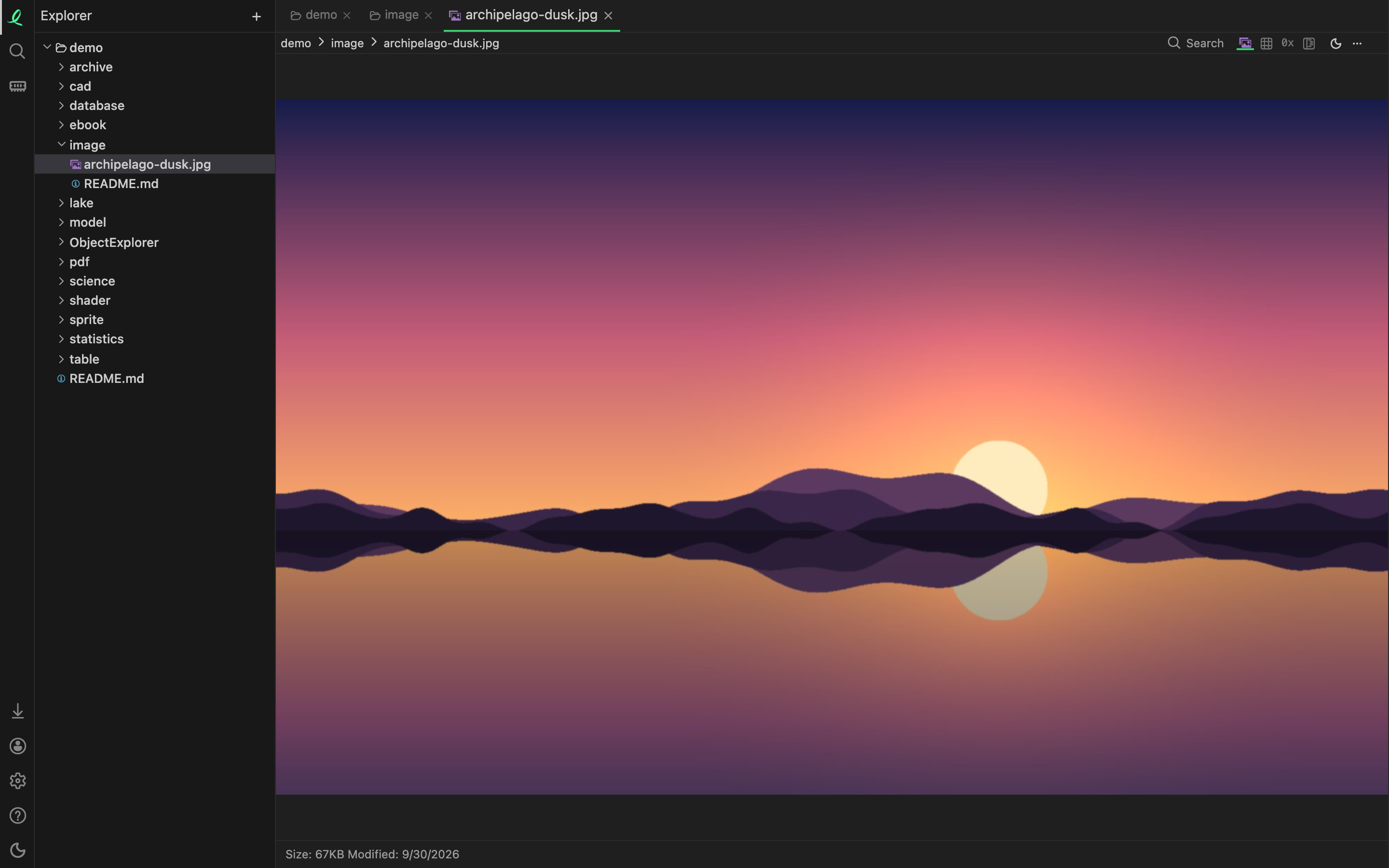
An instant server:
- serves one folder, read-only: the
demo/folder of itsbase=folder. The page sees it as/demo, never where it is on the server, and every path that climbs out of it is refused; - holds no credentials, reaches no other host, and offers no cloud storage, no Python, no writing sources, no agent door and no updates;
- has no licence and no sign-in, and needs no
public=trueto listen on another machine's address; - reads no config file unless it is given one with
config=.
Your own folders
The page can still open anything of yours. Adding a folder opens the browser's own folder picker, and a file or folder dragged onto the window is taken in too. What you give it shows in the tree under a browser:// root, is parsed in the page itself, and is never sent to the server — see where a file is parsed. It is gone when the page is.
There is no limit on how many folders you add this way: the Free plan's five local folders count only folders on a machine of your own.
What else the page has
- Download app, above the account icon at the bottom of the activity bar: every installer, with your computer's platform already open.
- Sign in, which keeps the account and its week of Pro in your browser.
- Share links: a link somebody sent you opens here.
Settings shows only what applies: no clouds, no Python, no MCP and no Check for Updates.
Next: where a file is parsed.